

Check this out:

In July of 2018 I paid $244 to a company called Adrionics for a chunk of PVC stuffed with electronics, the PA-II:
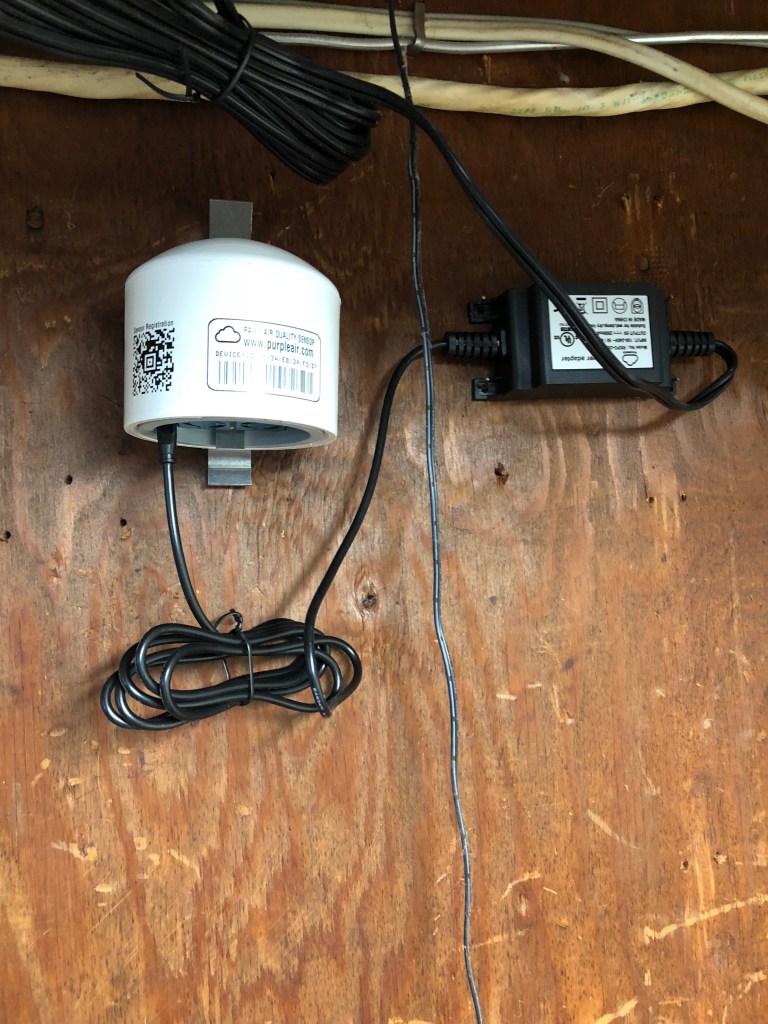
It’s a sophisticated, lab-grade piece of hardware – twin laser-based light scattering particulate sensors, and it measures how much junk is in your air. In particular (a pun I am delighted with), the “PM2.5” size range most important to your health and lungs.
It’s rated for indoor or outdoor use. I put mine next to the garage door mainly due to the difficulty of running a power wire outside. Outside is better but you could benefit by having indoor and outdoor if you’re feeling fancy.
You can read about the PMS5003 sensor here, it’s pretty nifty. The PA-II uses twin sensors so you can plot and compare the two readings and thus get better data:

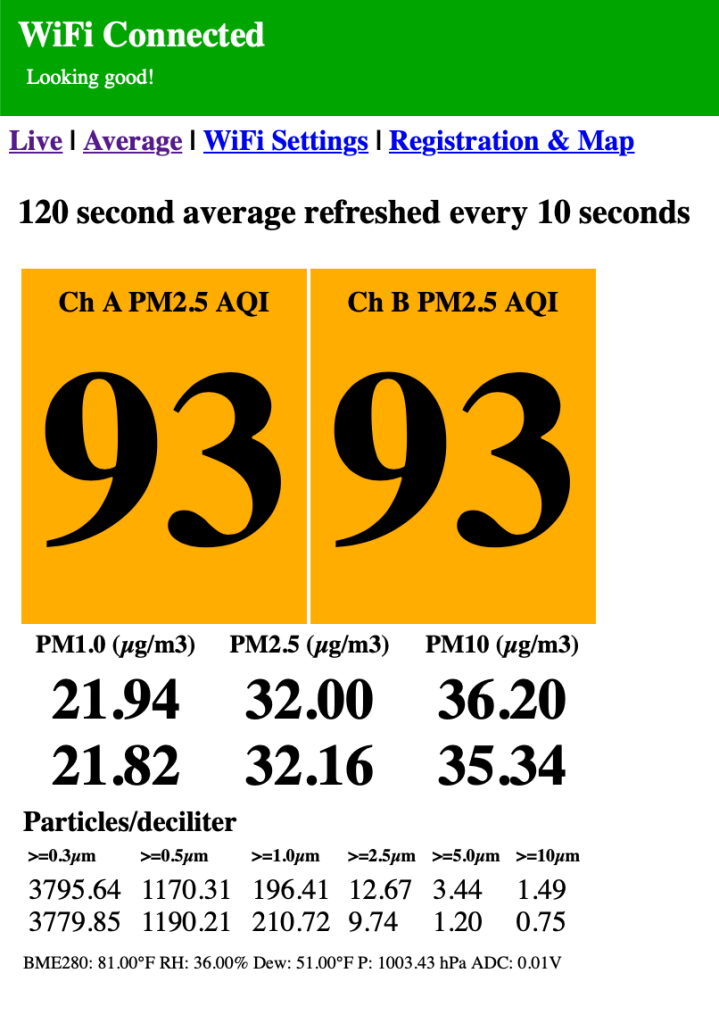
Science! You can connect directly to the sensor (it uses WiFi) and see the full details as well as temp, RH% and breakouts of counts per size range.
And even if you don’t own one, head over to https://purpleair.com/ and try their map – you can see see local and regional quality at a snap, as with the top image in this post. I can tell, for example, that we’re in fire season as the quality is usually much much better. And if your health is affected (asthma, seasonal allergies or the like) then a sensor makes even more sense. There are other ‘smart home’ air quality monitors with designer enclosures; I don’t recommend them. Do your own research but I found that PurpleAir was a guy who started making these for himself and then for others who asked.
Which, yeah, is a lot like Paul Scurfield in another post in this series. Or Dan Fock.
Each sensor automatically shares its data so you benefit others too – I like that. I’ve done a few experiments with cheap air quality sensors and have come to believe that you can’t get good data without spending a chunk of money, so while this is a non-trivial expense I consider them a good value and recommend buying one.
Or maybe check the map – if someone nearby has one already, then just bookmark the map and benefit from some citizen science.









 ultracrepidarian